 TidyTools
What Tab Tamer does
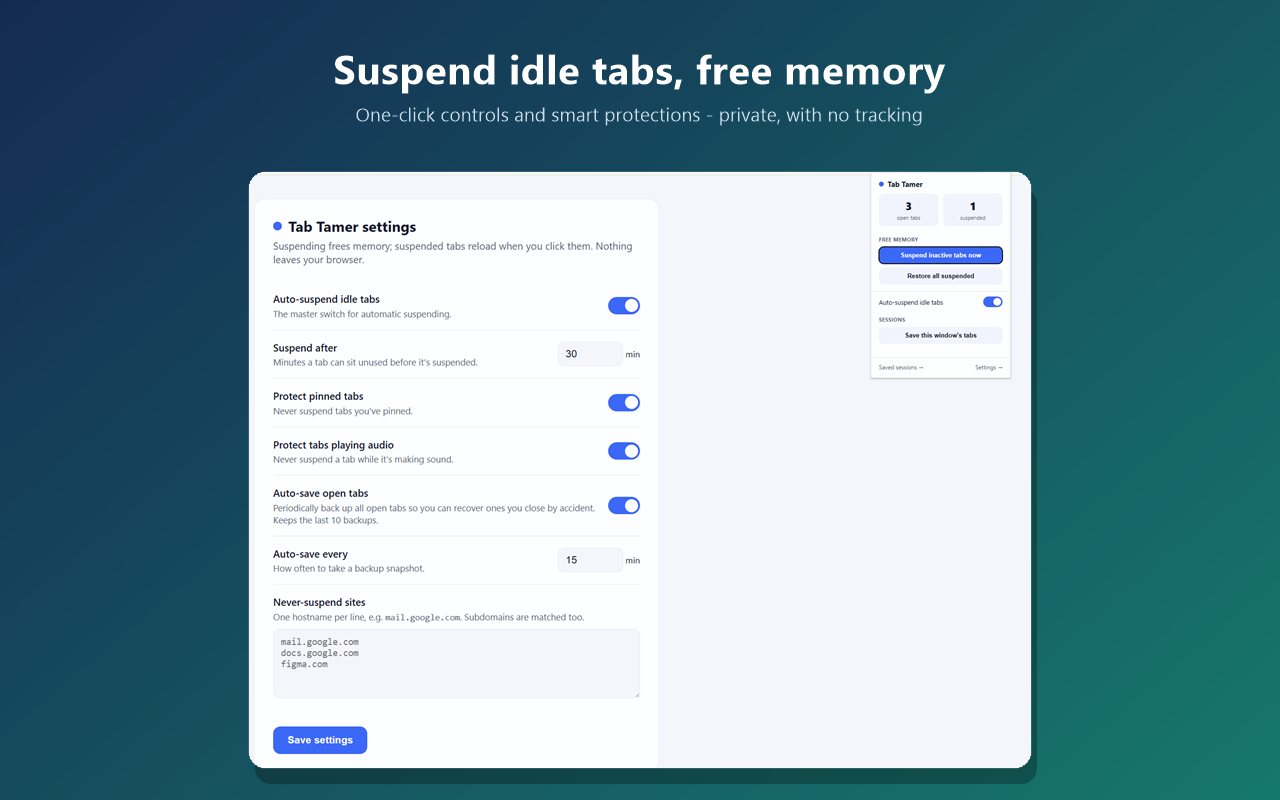
Every open Chrome tab uses memory, and dozens of them can slow your whole computer down. Tab Tamer quietly suspends tabs you haven't touched after a delay you set — freeing that memory while keeping the tab in place. Click a suspended tab and it reloads right where you left off. You decide the timer, and you can protect pinned tabs, tabs playing audio, and specific sites so they're never suspended.
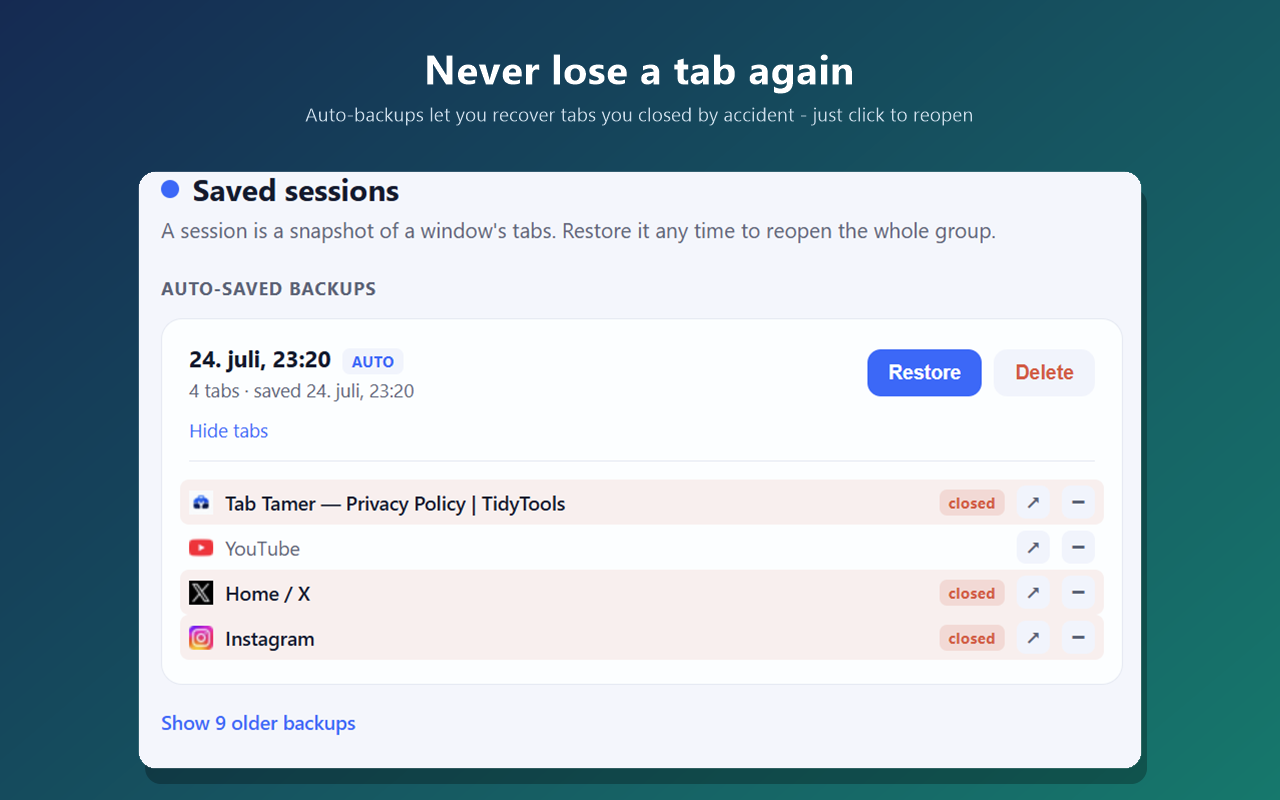
Beyond suspending, Tab Tamer helps you manage tabs as groups. Save all the tabs in a window as a named session and restore them whenever you need — great for parking a research project or clearing your workspace without losing anything. And with optional auto-backup, Tab Tamer keeps a rolling history of your open tabs, so if you close one by mistake it's easy to find and reopen — the backup view even highlights the tabs that are no longer open.
It's built to be trustworthy: it uses Chrome's built-in tab-discard API, so it never injects code into your web pages and needs no "read your data on the sites you visit" permission. Nothing you do is tracked or sent anywhere — all your settings and sessions stay in your own browser.
Frequently asked questions
Is Tab Tamer free?
Yes. Tab Tamer is free to install and use, with no account required.
Do suspended tabs lose my place?
A suspended tab reloads fresh when you return to it. Tab Tamer never suspends the tab you're currently viewing, pinned tabs, tabs playing audio, or any site on your whitelist.
Can I get back a tab I closed by accident?
Yes — turn on auto-backup and Tab Tamer keeps a rolling snapshot of your open tabs. The Sessions page highlights tabs that are no longer open so you can reopen just the one you lost.
Is my data private?
Completely. Tab Tamer collects nothing and sends nothing anywhere. Your settings, sessions, and backups are stored only in your browser. See the privacy policy.
Does it work in Microsoft Edge?
Yes. Edge is built on Chromium, so Tab Tamer works there too.