 TidyTools
What Private Bookmark Vault does
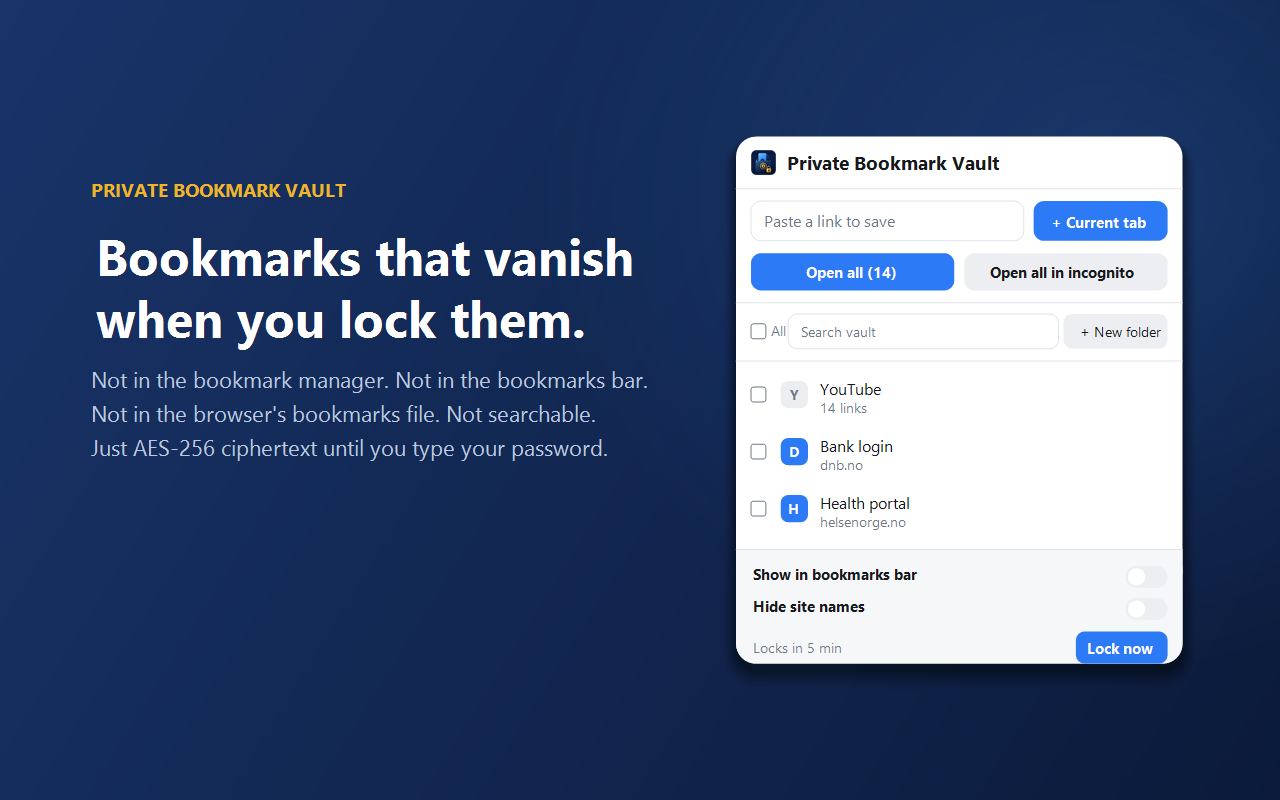
Set one master password, then save links by pasting a URL or clicking "+ Current tab". While the vault is unlocked, your bookmarks appear inside the extension only — nothing is written to your browser unless you ask for it. Lock it and they vanish again, and it also locks itself after a period of inactivity that you choose.
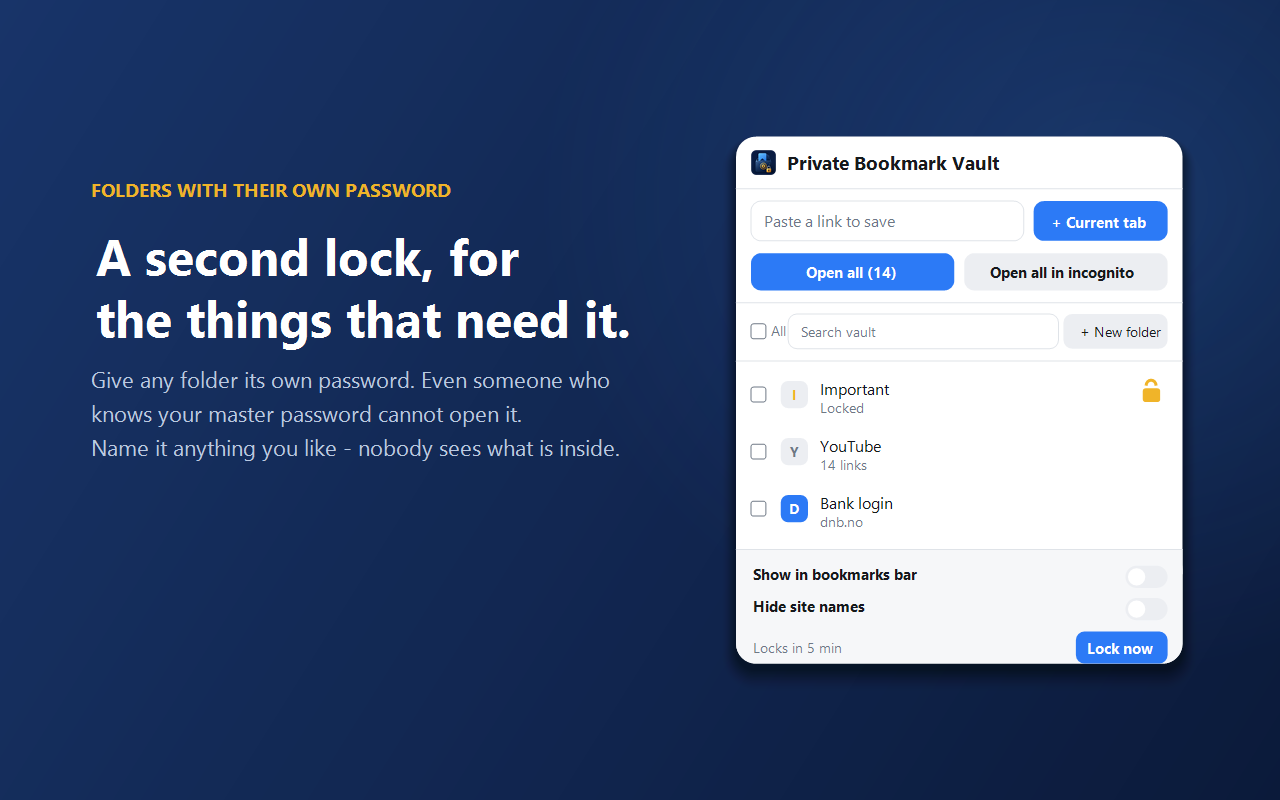
Inside the vault you get proper organisation: folders, drag and drop, multi-select, and search across everything. You can open a whole folder in one go, either in normal tabs or in a single incognito window. And for the handful of things that need more than one password, any folder can have its own separate password — locked, the folder's contents are invisible even to someone who has your master password.
The privacy claims are structural rather than promised. The extension requests no host permissions, so it has no ability to read the pages you visit or contact any website; it makes no network requests and includes no remote code. Your encrypted vault, the key that protects it, and your settings live in your own browser's storage. Read the full privacy policy.
Honest limitations
Real encryption cuts both ways. If you forget your password, nothing can recover your bookmarks — there is no reset link, because there is no server holding a copy. Hiding a bookmark also doesn't erase the site from your browsing history. And while the optional "show in bookmarks bar" setting is on, those entries are ordinary bookmarks and will sync like any other; it's off by default.
Frequently asked questions
Is Private Bookmark Vault free?
Yes. It's free to install and use, with no account and no sign-up.
Where are my bookmarks stored?
Encrypted, in your own browser's storage on your own computer. There is no server and no cloud sync — nothing is ever transmitted anywhere.
What happens if I forget my master password?
Your bookmarks are unrecoverable. That's what AES-256 encryption means: nobody holds a spare key, including us. Export an encrypted backup and keep your password somewhere safe.
Can someone see my hidden bookmarks in Chrome's bookmark manager?
No. While the vault is locked, the bookmarks don't exist as bookmarks at all — only as ciphertext. They aren't in the bookmark manager, the bookmarks bar, the browser's bookmarks file, or its search.
Can it read the websites I visit?
No. The extension declares no host permissions, so Chrome itself prevents it from reading page content or contacting websites. The activeTab permission is used only when you click "+ Current tab", to read that one page's title and address.
Does it work in Microsoft Edge?
Yes. Edge is built on Chromium, so it works there too.